 Faceless story1:01
AI video creation for Shorts, Reels and TikTok
Turn any idea into a complete short-form video
Create scripts, voiceovers, visuals, captions and ready-to-post vertical videos from one simple prompt.
No advanced editing skills required.
AI scriptsNatural voiceoversGenerated visualsAnimated captionsVertical exports
Faceless story1:01 Product style0:20
Mystery Story
A reflection that moved first
He stopped trusting the mirror
0%Storytelling voice0:12
Pick a style and start creating
Watch finished generated examples where available, then start with the format that fits your channel.
12 sec
Create this videoThe reflection knew first
Mystery Story
Illustrated suspense and storytime videos
61 sec
Create this videoA message changed everything
Faceless Story
Stories, facts and motivation
15-45 secSmall speaker. Room-filling sound.
Product Showcase
Products, launches and offers
 20-60 sec
Can Nova clear the final gate?
Gaming Facts
Gaming stories and commentary
 25-60 sec
Your phone can do this?
Tech Update
News, tips and product releases
 30-60 sec
Here is why it works
Character Explainer
Lessons and reactions
 35-75 sec
This changed history
3D Explainer
History, science and ideas
 40-90 sec
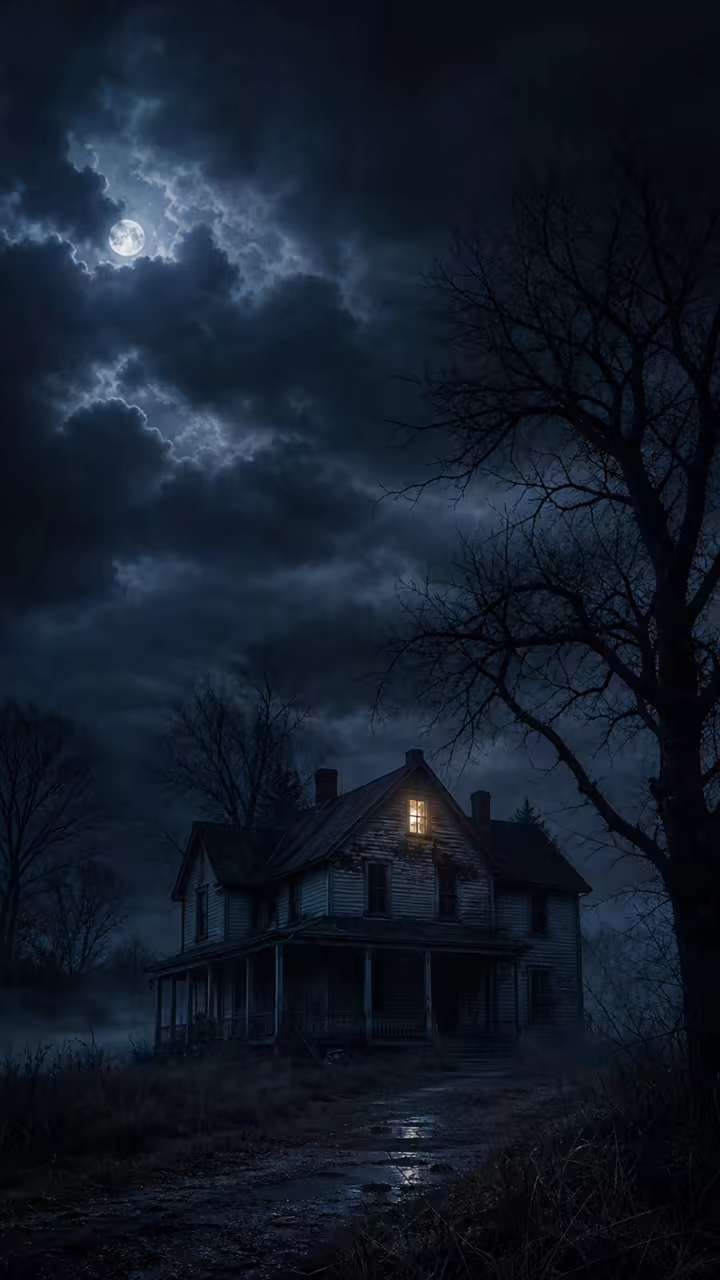
The door opened by itself
Horror Story
Mystery and suspense
One prompt. A complete video.
Choose the idea and format. Vidioza organizes the production into editable parts.
Describe your video
Create a 30-second video explaining three useful Windows shortcuts for beginners.
YouTube Shorts30 secondsTech UpdateEnergetic voiceBold captions
Work faster with these shortcuts
Windows shortcuts beginners should know
- Script created
- 5 scenes generated
- Voiceover added
- Captions styled
- Ready to render
Everything needed to build the video
Write the Script
Generate a hook, narration, scenes, title, description and hashtags.
Create the Voiceover
Choose a voice and generate narration scene by scene.
Build Every Scene
Use generated images, stock footage or your own uploads.
Add Animated Captions
Apply readable caption styles with word highlights and safe zones.
Keep Every Video on Brand
Reuse logos, fonts, colors, voices, intros and calls to action.
Export and Publish
Render vertical videos, download the file or schedule supported posts.

Describe the video. AI Director builds the plan.
Enter one sentence and Vidioza proposes the script, scenes, voice, visual style, captions, music and call to action.
Your prompt
Make a 40-second gaming video about the rarest Minecraft items.
Style
Gaming Facts
Duration
40 seconds
Voice
Energetic
Scenes
7
Captions
Bold Highlight
Music
Fast Electronic
Platform
TikTok
7-scene plan ready
HookOriginDiscoveryRarityTradePayoff
Estimated credits
18-22
Plan an entire week of content
Choose your niche, posting schedule and preferred formats. Vidioza organizes ideas into a reusable weekly plan.
- Generate weekly ideas
- Avoid repeated topics
- Apply your brand automatically
- Review before scheduling
- Set a monthly credit limit
Technology channel
This week
Tech News
Short video
Computer Tip
Short video
Product Comparison
Short video
Did You Know
Short video
Weekly Recap
Short video
Made for the way you create
Faceless Creators
Stories, facts, motivation, horror, history and themed channels.
Create a faceless videoBusinesses and Products
Promotions, product showcases, service explainers and announcements.
Showcase a productTech and Gaming Channels
News, tutorials, comparisons, releases and gaming commentary.
Build a channel formatSee what Vidioza can create
Real generated videos with sound and playback controls. No performance claims or customer data.
Mystery Story
0:12- Style
- Illustrated suspense
- Voice
- Storytelling voice
- Captions
- Timed serif captions
Faceless Story
1:01- Style
- Faceless narrative
- Voice
- Storytelling voice
- Captions
- Timed serif captions
Create at your own pace
Choose a plan based on how often you create and which tools you need.
Starter
$19/month
- 20 videos each month
- 720p rendering
- Core video styles
- Video downloads
Creator
$49/month
- 60 videos each month
- 1080p rendering
- All standard styles
- Scheduling
- Two brand kits
Pro
$99/month
- 150 videos each month
- Premium video styles
- Content planning
- Multiple social accounts
- Advanced analytics
Agency
Custom
- Custom usage
- Team members
- Client workspaces
- Advanced team controls
Questions about creating videos
What types of videos can I create?
Create faceless stories, explainers, product videos, tech updates, gaming content, facts, educational clips and branded formats.
Do I need editing experience?
No advanced editing experience is required. Vidioza guides you through the script, scenes, voice, visuals, captions and preview.
Can I use my own images and videos?
Yes. Upload images, video, music, logos and other media that you own or have permission to use.
Can I edit generated scenes?
Yes. Rewrite narration, reorder scenes, replace visuals, adjust captions and regenerate individual sections.
Can Vidioza create voiceovers?
Yes, when voice generation is available for your workspace. Choose a voice and generate narration scene by scene.
Can I download videos for any platform?
You can download vertical exports for manual posting. Scheduling and direct publishing depend on the connected platform and account permissions.
Need platform or setup details? Visit the Help Center.
Your next video is one prompt away
Turn an idea into a script, voiceover, visual story and polished vertical video with Vidioza.